 |
ADTF Configuration Editor
|
|
ADTF Configuration Editor
|
The CE tries to guide the user through some important steps by providing wizards for
If this is the first start of a CE or your license has been exceeded, the CE will open a wizard to set a (new) license key or file.
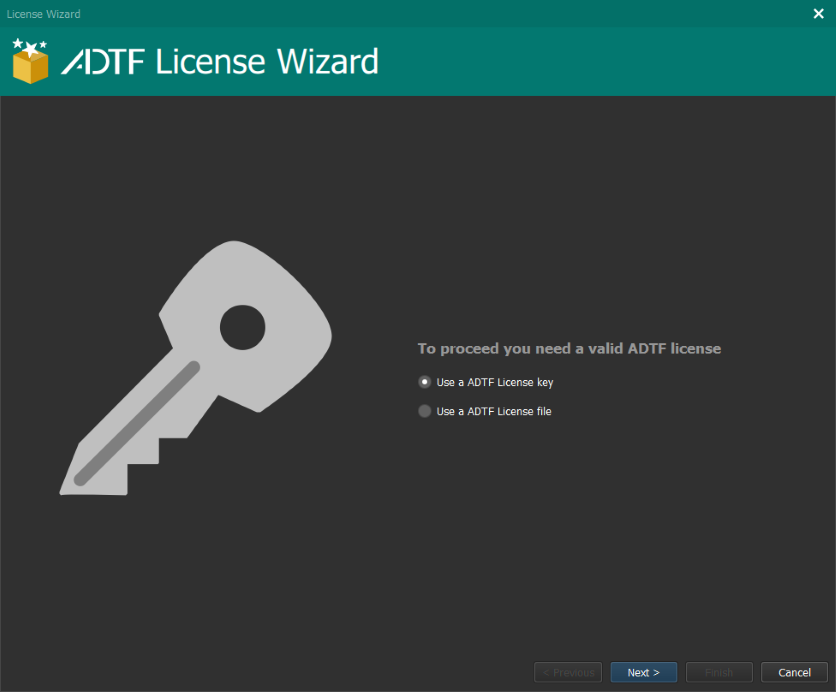
If you have a license key and a connection to digitalwerk licenseHUB, just select Use a ADTF License Key and activate the volume in the next step.
If your machine cannot access the licenseHUB, manually activate this volume on another machine, download the license file and choose Use a ADTF License file to import it in the next step.
Use a ADTF License file which will print you the required information!If this is the first start of CE or it has been started with --reset command line flag, no adtfenvironment file has been (previously) set and the wizard will assist to select or create one.
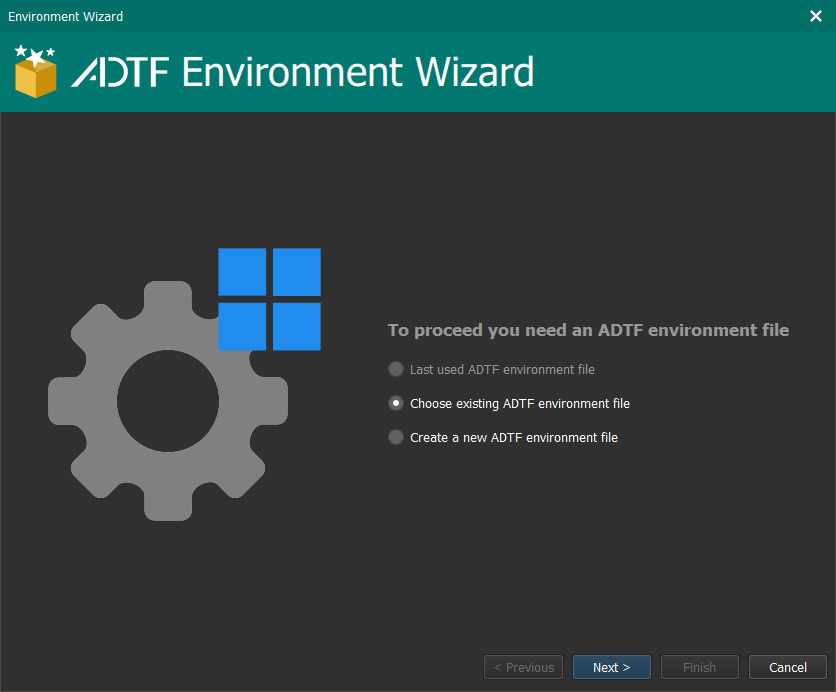
.adtfenvironment file provided from a package (e.g. ADTF), please create a custom environment and include all required dependencies (same as the ADTF Conan Generator will do).After reading this page, you should have been licensed and have set an adtfenvironment file providing a bundle of components.
Let's have a look at the basics of the CE.